
Ever feel a bit stressed just thinking about planning a cruise? Well, the Royal Caribbean Cruise Planner might just change your mind. It works like a friendly map, showing you a clear way to choose a great cabin and plan onboard fun. It's simple and makes booking feel like chatting with a travel buddy. In the end, this planner turns what could be a chore into the exciting start of a smooth, unforgettable voyage.
Master the Royal Caribbean Cruise Planner for Seamless Booking and Itinerary Management
The Royal Caribbean Cruise Planner is your one-stop tool to plan and book a great cruise. When you log in, you'll see a bright, easy-to-read dashboard that looks a bit like a cruise map, guiding you step-by-step as you plan your journey. You can easily check out details about the fleet, choose your cabin, and set up your onboard activities. It really makes sorting out your reservations and daily plans simple and stress-free.
There are plenty of handy resources available to help you enjoy every moment of your cruise. You can dive into ship brochures, study clear deck plans, and look through engaging photo and video galleries showcasing both onboard features and port highlights. Picture yourself glancing at a deck plan that points you right to your favorite amenities, almost like checking off fun activities on your personal adventure list.
Plus, you get support from dedicated travel advisors who are ready to help every step of the way. The planner connects you with special offers, such as discounts for American Express card members, travel insurance options, and even real-time SMS alerts for any updates to your itinerary. It’s like having a trusted friend onboard who keeps everything running smoothly so you can relax and enjoy your voyage.
Royal Caribbean Cruise Planner Sparks Exciting Voyages

You can easily create your daily schedule using the planner’s handy tools. The clear and simple layout lets you drag and drop activities to build an itinerary that suits your style. Everything you need comes together in one place, making planning smooth and fun.
- Ship brochures that give you a quick look at your route
- Deck plans to help you time your activities
- Photo and video galleries showing what each port looks like
- An event guide for planning themed days
- Information on eco-friendly choices
You can adjust your plan on the fly with quick SMS and in-app alerts. As the cruise goes on, updates on port changes and activity tweaks show up right away. This extra bit of flexibility means you can easily change your plans as you go, so you never miss out on the onboard excitement. For some friendly tips on rearranging your day, check out our Expert travel itinerary flexibility tips. These smart tools are designed to keep your cruise as dynamic as the sea itself, letting you relax and enjoy while all the planning details are handled for you.
Manage Reservations and Digital Check-In via the Royal Caribbean Cruise Planner
Step-by-Step Pre-Boarding Check-In
Start by signing into your account so you know you’re secure. Then, fill in your travel details carefully to set up your profile. Next, attach the documents you need to prove your identity and cruise plans. After that, confirm your payment safely and connect your reservation with your funds. Finally, finish your pre-departure check-in and get ready for a smooth boarding experience.
Digital Boarding Pass Issuance
Once you complete check-in, the planner quickly makes a mobile boarding pass for you. Think of it as a digital key for your boarding day, just pull it up on your smartphone. It cuts out the hassle of paper tickets and keeps everything safe and easy to find when you get on board.
Mobile Trip Management and Updates
The planner also makes managing your trip a breeze on your phone. If you need to change details, add travel insurance, or update your travel plans, you can do it right away. Plus, SMS alerts keep you in the loop about any changes, so you’re always up-to-date during your cruise.
Explore Cabins, Packages, and Onboard Amenities in the Royal Caribbean Cruise Planner
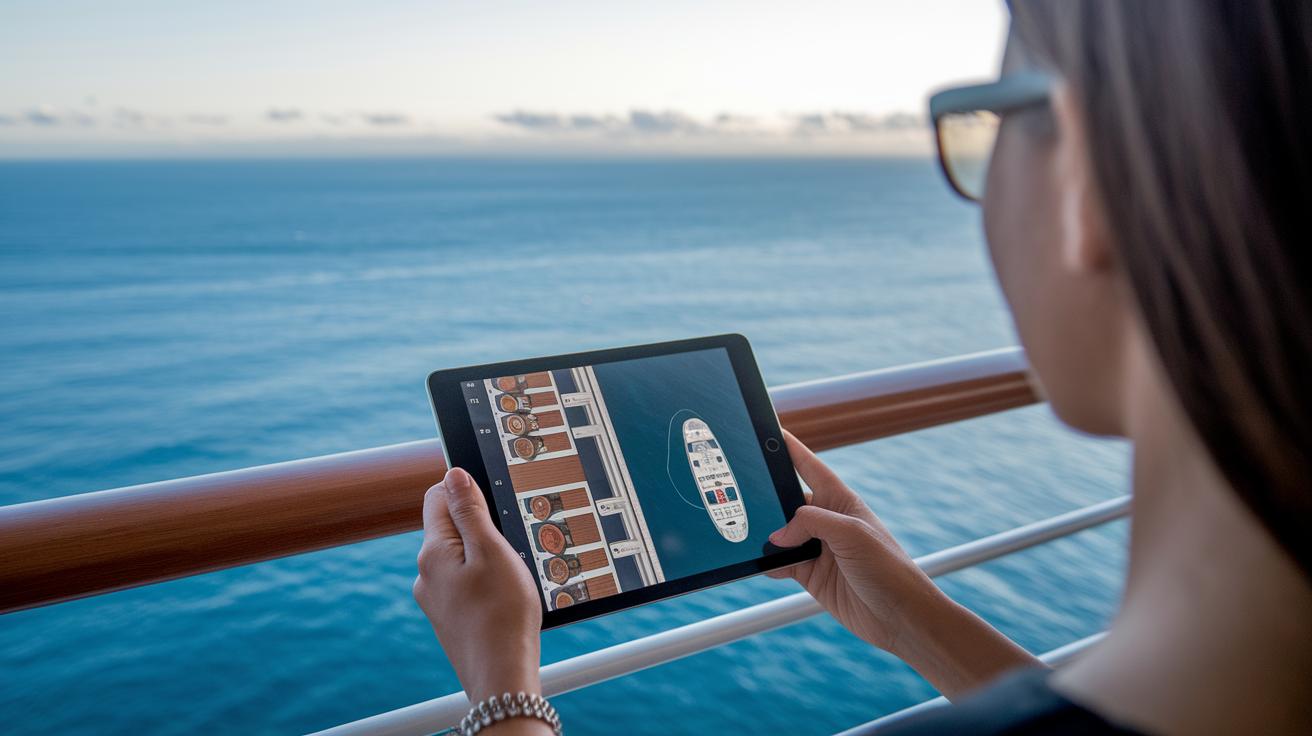
Looking for your ideal stateroom? The cabin-browser makes it super easy. You can use simple filters to explore a gallery of cabin photos and deck maps, almost like taking a mini virtual tour. Whether you love a cozy interior or a room with an ocean view, every option pops up right when you need it.
Next, check out the onboard packages that add extra perks to your cruise. You might see options like unlimited drinks, Wi-Fi bundles (which keep you connected), or credits for specialty dining. It’s laid out in a clear way, so you can quickly compare and pick the best boost for your vacation.
Then there are amenity previews that really bring the cruise to life. Short videos and image galleries let you see spacious lounges, stylish décor, and exclusive facilities. This gives you a friendly glimpse of the comfort and luxury waiting onboard, turning planning into a fun and inviting experience.
| Cabin Type | Typical Location | Starting Price | Key Amenities |
|---|---|---|---|
| Interior Cabin | Midship | $300 | Cozy, budget-friendly |
| Oceanview Cabin | Midship or Forward | $450 | Scenic view, extra light |
| Balcony Cabin | Various decks | $600 | Private balcony, spacious |
| Suite | Premium decks | $850 | Luxury features, extra perks |
Customize Shore Excursions and Destination Activities with the Royal Caribbean Cruise Planner
Using the cruise planner’s excursion portal is like having your own travel buddy who knows all the local spots. The portal shows you clear maps, simple time slots, and even alerts you when spots are almost full so you can plan without worry. It offers a mix of fun options, from lazy beach days to engaging cultural tours. Imagine glancing at a map and knowing exactly when to set off on a tour, or spotting the perfect time for an adventurous water sport. And if you're traveling with family or friends, group discounts are ready to help you all book together easily.
The platform also makes it a snap to browse and filter for the activities that match your style. Whether you're excited to try water sports or curious about historic sites, all the details are right at your fingertips. It even sends updates when things change so you can adjust your plans on the fly. In short, you spend less time planning and more time enjoying every moment of your journey.
Essential Pre-Voyage Checklist and Travel Document Guidance from the Royal Caribbean Cruise Planner
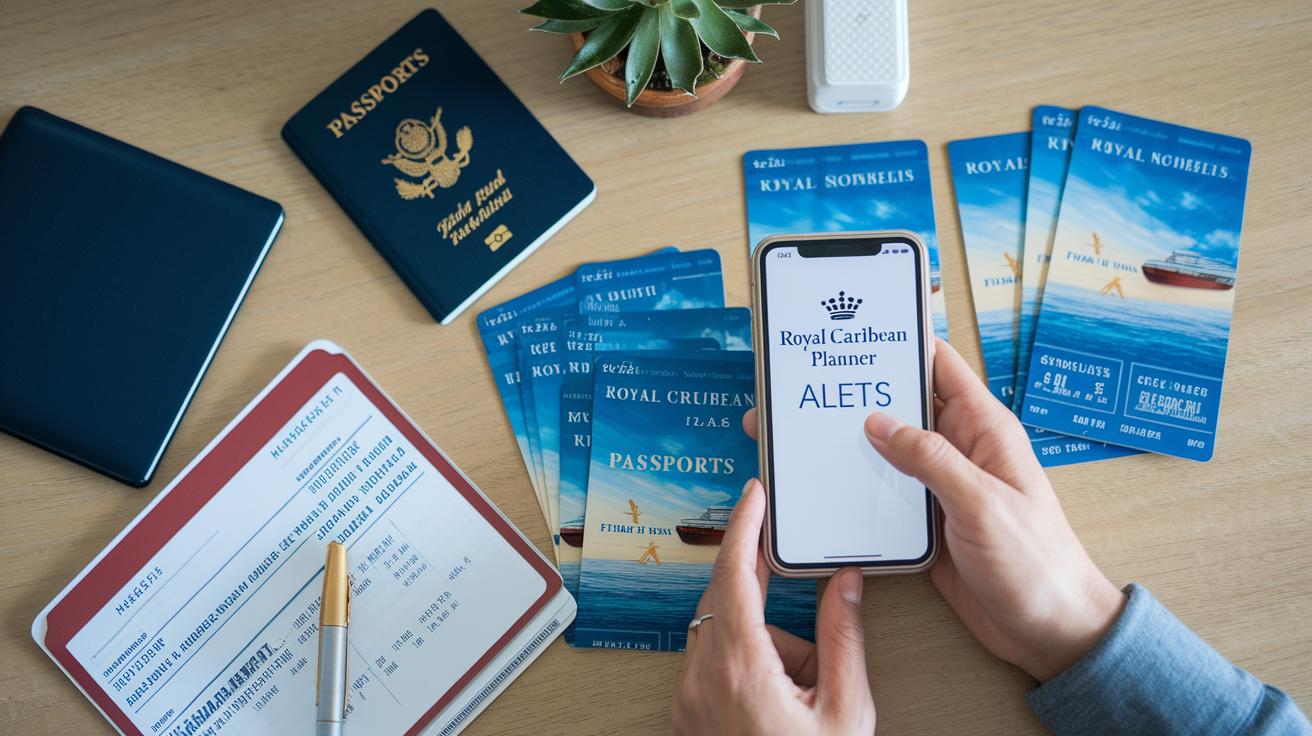
Get ready for your next adventure by sorting out all your travel documents with this easy pre-voyage checklist. It’s a simple way to keep everything in one spot so you can concentrate on the joy of your cruise.
Here’s what you should have on hand:
- passport
- visa
- health form
- flight confirmation
- transfer voucher
- travel insurance policy
- packing checklist download
- cruise ticket PDF
Keep an eye on SMS alerts for any last-minute updates and reminders about the documents you need. The planner even offers handy links, like a cruise checklist for downloading packing guides and travel document tips. When you have everything organized before you sail, you can simply relax and enjoy every moment of your upcoming voyage.
Leverage Exclusive Deals and Real-Time Alerts in the Royal Caribbean Cruise Planner
The Royal Caribbean Cruise Planner is like having your own travel buddy who always knows the best deals. It checks cabin rates, drink plans, and special packages so you can choose the right option for your trip. You get alerts in the app when prices drop or when exclusive offers pop up, just like a little nudge to say, "Hey, check this out!"
This tool turns planning into an adventure of its own, with every update delivered straight to your phone. An interactive voyage scheduler lets you spot the best opportunities and adjust your itinerary on the fly. It is almost like having a live cruise expert right at your fingertips.
Plus, real-time SMS alerts and price settings mean you never miss a beat with changing offers. The built-in travel advisor chat is friendly and helpful, guiding you through every step of your booking journey. Every update lands on your device, making the search for that perfect cruise both simple and really rewarding.
Final Words
In the action, the article broke down every step, from booking your cruise and setting up an interactive itinerary to handling digital check-ins and choosing the perfect cabin. It also shared tips on refining shore activities and managing vital travel documents. Real-time alerts and special offers keep you informed and ready for any updates. With these tools at hand, the royal caribbean cruise planner makes booking smooth and fun. Enjoy every moment as you set sail with confidence.
FAQ
What is Royal Caribbean’s cruise planner?
The Royal Caribbean cruise planner is an interactive tool that helps travelers book vacations, manage itineraries, and explore ship details, making planning both easy and efficient.
What is the 3-1-1 rule on Royal Caribbean?
The 3-1-1 rule on Royal Caribbean sets limits on carry-on liquids, allowing guests to bring three one-ounce containers in a single clear bag for security purposes.
How do I contact Royal Caribbean Cruise Planner?
The Royal Caribbean cruise planner can be contacted through customer support on the official website, where phone numbers and live chat options are available for booking assistance.
What is the secret code on a cruise ship?
The secret code on a cruise ship is a fun, informal signal used by crew and passengers for accessing special onboard perks or greetings, so ask staff if you hear about it.
How do I access the Royal Caribbean Cruise Planner online?
The Royal Caribbean cruise planner is available on the official website; simply log in with your account credentials to explore booking tools and manage your itinerary.
Is there a Royal Caribbean Cruise Planner app available?
The Royal Caribbean cruise planner app offers mobile access to booking tools, itinerary updates, and digital boarding passes, so you can manage your cruise details on the go.
Is the Royal Caribbean Cruise Planner free to use?
The Royal Caribbean cruise planner is free, providing travelers with comprehensive booking and planning tools, including ship details and itinerary management, at no extra cost.
How do I login to the Royal Caribbean Cruise Planner?
Logging into the Royal Caribbean cruise planner is simple—visit the official website or open the app, enter your account details, and gain access to your cruise reservations and offers.
What is the Royal Caribbean Cruise Planner phone number?
The phone number for the Royal Caribbean cruise planner is available on the official customer support page, offering direct assistance for inquiries and booking help.
What drink packages are offered in the Royal Caribbean Cruise Planner?
The cruise planner offers a range of onboard drink packages, such as unlimited or specialty beverage plans, allowing you to select a package that fits your preference for a smooth cruise experience.
How does the Manage My Cruise sign in work?
The Manage My Cruise sign in is a secure portal that provides access to personalized booking details, cabin information, and real-time itinerary updates, ensuring smooth pre-departure planning.
What does Royal Caribbean Cruise Compass provide?
The Royal Caribbean Cruise Compass is an onboard interactive guide that helps travelers explore ship amenities, dining options, and daily activities to enhance the cruise experience.
How does Royal Caribbean compare to other cruise lines like Carnival, Celebrity, MSC, and Princess?
Royal Caribbean stands out with its modern ships, interactive planning tools, and diverse onboard features, offering a unique blend of itinerary management and luxury that differentiates it from its competitors.

