
Ever get stressed picking the best cruise tools? Planning your trip can feel tricky, but a few handy apps can clear up the confusion.
We checked out some popular cruise planning tools that help you set up itineraries, pack smart, and keep up with port updates. They even offer daily schedules and offline maps so you don't miss a thing.
Imagine a cruise where planning is as smooth as the sea breeze on deck. Stay with me and discover which app makes the journey fun and simple.
Cruise Planning Tools: Comparative Overview
TripIt turns your emailed booking details into an easy-to-read day-by-day itinerary. Imagine forwarding your booking details and then getting a neat schedule showing when you’ll arrive at each port. Tripsy gives you a clear daily timeline with handy push notifications about fun onboard activities, making your cruise even more enjoyable. And if packing stresses you out, PACK has customizable checklists that take the guesswork out of what to bring along.
Google Maps is great for driving directions with offline maps and CarPlay support, so you’ll never miss a turn on your way to the departure port. If you like to stay in the know about port timings, Cruise Ship & Port News Lite sends real-time alerts on arrivals and departures, keeping you informed. Then there’s Tip Check, which helps you navigate foreign currencies and tipping rules so you can budget your spending while checking out local charms.
For those who love details about the weather, SailFlow offers real-time updates on wind, tides, and weather conditions whether you’re at sea or onshore. And if you like to hear from fellow travelers, Shipmate brings together user reviews, photos, and exclusive deals to help you plan a social and fun boat vacation.
| Tool | Key Feature | Platform | Pricing |
|---|---|---|---|
| TripIt | Itinerary consolidation with port-day breakdowns | iOS, Android | Free / Pro subscription |
| Tripsy | Cruise-focused daily timeline and notifications | iOS, Android | Freemium |
| PACK | Cruise-specific packing templates | iOS, Android | Free / In-app purchases |
| Google Maps | Turn-by-turn directions with offline support | Multiple | Free |
| Cruise Ship & Port News Lite | Port arrival and departure alerts | iOS, Android | Free |
| Tip Check | Currency conversion and tipping guidance | iOS, Android | Free |
| SailFlow | Real-time wind, tide, and weather updates | iOS, Android | Free / Premium |
| Shipmate | User reviews, photos, and onboard deals | Web, Mobile | Free |
Itinerary Management in Cruise Planning Tools
TripIt: Consolidating Cruise Itineraries
TripIt turns your booking emails into a clear cruise schedule with easy-to-read port-day details and calendar syncing. It’s perfect for anyone who wants a trusty tool that works even without internet, so you can check your schedule while exploring remote ports. Just add your confirmation emails quickly, and planning your cruise feels almost as smooth as a well-practiced routine.
Tripsy: Time-Based Cruise Notifications
Tripsy puts all your daily cruise activities into one neat timeline. With real-time alerts for port arrivals and onboard events, you’ll never miss an exciting shore excursion or important announcement. It’s set up in a friendly and intuitive way, plus you can customize your reminders to fit your style. Imagine getting a gentle nudge just moments before a beautiful port call.
PACK: Cruise-Centric Packing Templates
PACK offers ready-made packing lists tailored specifically for cruise adventures. The lists are sorted by category and even let you add your own items, so you won’t leave any essentials behind. Travelers love tweaking these lists to match how long they’re at sea. Think about setting up your packing checklist the night before, you can start your trip feeling calm and organized.
Navigation and Route Scheduling within Cruise Planning Tools
Google Maps gives you reliable port directions and offline maps so you stay on track even in remote harbors. It’s like having a friendly co-pilot who never lets you miss a turn.
Waze is a traveler favorite thanks to its community alerts. It sends real-time warnings about things like police sightings or accidents so you can avoid delays on your way to the terminal. Imagine getting a quick update that helps you dodge a traffic jam!
SailFlow is perfect for anyone planning onshore adventures or water activities. It offers live updates on wind, tides, and weather, letting you know if a coastal walk will be breezy or a bit cool. It really feels like having a weather expert in your pocket.
Each tool is carefully checked for accuracy and quick updates and fits neatly into your cruise schedule. Together, they provide smart navigation and vital weather info, ensuring your journey from land to sea is smooth and safe.
Official Cruise Line Planning Tools: Booking, Onboard Services, and Integration
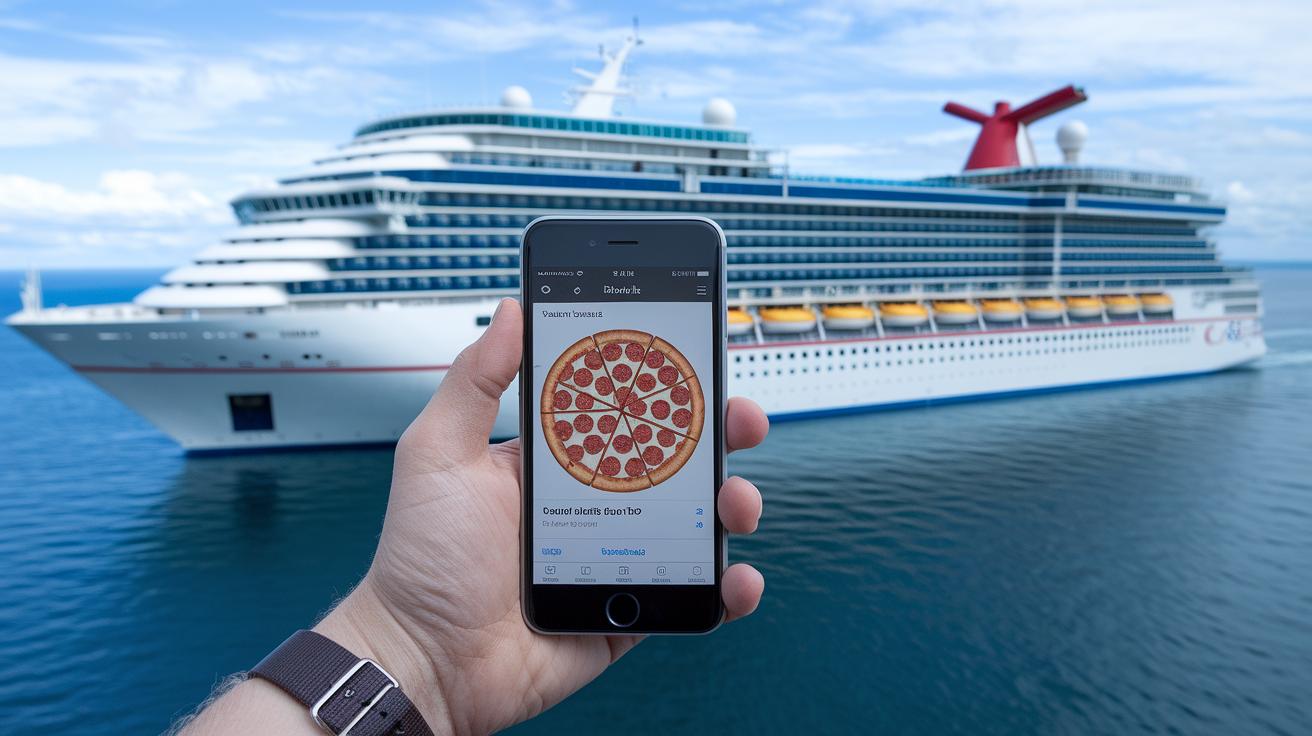
Imagine cruising while ordering your favorite pizza with just a quick selfie. Carnival HUB lets you do just that – snap a self-portrait to confirm you're onboard and have a delicious slice delivered for only $5. It’s fun, easy, and a bit magical.
Cruise Norwegian makes checking in a breeze. Their online process even scans your passport to speed things up. Plus, you can keep an eye on your spending, even if you're not always online. It’s like having one less thing to worry about while you relax.
Disney Navigator keeps you connected with a live chat where you can easily reach out to crew members. It also offers one-on-one scheduling for special events and uses playful themed emoticons to brighten up your daily plans. It feels like chatting with a friend who just happens to know all the secrets onboard.
MSC for Me goes a step further by bundling chat, event bookings, and dining reservations into one handy app. They even include a Digital Safety Drill to help you learn the ropes quickly. It’s all designed to help you have a smooth, worry-free voyage.
Princess MedallionClass adds a personal touch with features that let you customize your schedule, order food or drinks, and send cabin service requests through simple in-app messages. It gives you the comfort of having a personal assistant right at your fingertips.
The Royal Caribbean App packs in tons of features too. From passport scanning and group chats to booking dining and activities, it covers all your needs. With daily schedules, deck plans, bill tracking, and even safety videos, you can adjust your cruise itinerary directly from your device, even when you're offline. It’s all about blending convenience with modern travel fun.
Excursion and Activity Scheduling in Cruise Planning Tools
Shipmate brings together reviews, photos, and great tour deals all in one friendly place. Imagine scrolling through lively photos from fellow travelers while spotting trips that match your style. One cruiser even said, "I captured the magic of an island stop and found amazing feedback on Shipmate," making planning feel fun and social.
Cruise Ship & Port News Lite keeps you in the know with real-time port timings, handy local tips, and emergency alerts so you never miss a beat when you’re onshore. And with Tip Check, you can easily figure out local tipping customs and currency rates, helping you plan without confusion.
The Regent Seven Seas Cruises app adds a personal touch to shore excursions by providing explanations through your headset or phone, just like chatting with a local guide. Meanwhile, Seabourn Source offers daily menu updates, onboard activity schedules, and exact port times to keep your day running smoothly. Virgin Sailor App even surprises with a hidden champagne-ordering button and 24/7 service, giving you extra flexibility and clear cost details.
Pricing Models and User Feedback for Cruise Planning Tools

TripIt Basic is a handy free tool that travelers enjoy with a solid 4.3 out of 5 rating. Its Pro version costs $24.99 per year and adds flight alerts, though it doesn't offer as many cruise-focused features.
Google Maps and Waze are big favorites too, with scores of 4.7 and 4.6 out of 5. And best of all, they’re free. They work great for getting clear driving directions to the port.
SailFlow offers a free option as well, but if you want extra details on wind, tides, and weather, their premium plan is $49 per year.
Cruise lines also have their own apps. For instance, MSC for Me and Carnival HUB are free to download although you might pay standard cruise fees for onboard purchases. Similarly, the Princess MedallionClass and Royal Caribbean App are free but let you order food, drinks, or cabin services through extra in-app options.
Many cruisers say these tools are easy to use and reliable, even when internet signals are a bit weak. One cruiser shared, "Even when my internet was spotty, the app kept my schedule on track." It’s clear that simple design, honest pricing, and no hidden fees make these apps a smart choice for your journey.
Final Words
In the action, this post offered a clear look at how different cruise planning tools tackle everything from itinerary building and navigation ease to onboard service integration. We saw comparisons of apps that turn trip details into clear plans and even ones handling local tours and tipping guidance. The overview helps simplify the many options in our cruise planning tools review, making it easier for travelers to choose the best fit for smooth and stress-free bookings. Enjoy your next cruise with confidence and a smile!
FAQ
What do cruise planning tools reviews reveal about major lines like Royal Caribbean, Carnival, and Caribbean cruises?
Reviews of cruise planning tools reveal how well these apps manage itineraries, onboard integration, and booking flexibility. They help travelers decide which tool fits their cruise style best.
How do cruise apps for Android help with travel arrangements?
Cruise apps for Android streamline itinerary checks, map port transfers, and offer real-time updates. They give travelers a handy way to manage schedules and access essential cruise details on the go.
What features does the Shipmate app offer in cruise planning?
Shipmate offers user reviews, ship photo galleries, onboard deal alerts, and helpful insights about cruise experiences. It enhances planning by giving firsthand guest perspectives and interactive booking details.
What is the 3:1:1 rule on cruises?
The 3:1:1 rule on cruises isn’t a universal policy. Often, cruise lines have their own guidelines, so it’s best to check directly with your carrier regarding luggage limits, liquids, or dining rules.
What is the secret code on a cruise ship?
There isn’t a standard secret code on cruise ships. Sometimes informal terms or signals might be used among guests, so it’s always wise to ask onboard staff for any specific guidance.
What does a pineapple mean on a cruise?
On a cruise, a pineapple typically signals warm hospitality. It’s a friendly sign that encourages joining shared perks or community events, creating a welcoming onboard atmosphere.
Which cruises should you consider avoiding?
Reviews and guest ratings signal which cruises may fall short on service or amenities. Researching feedback and comparing ratings helps you steer clear of voyages that might not meet your expectations.
What should you expect on your first cruise?
First-time cruisers can expect clear itineraries, engaging onboard activities, and friendly staff available to help. Organized schedules and ease of access to information make the experience smooth and inviting.
What is Cruise Direct?
Cruise Direct is an online platform offering competitive cruise deals, itinerary comparisons, and flexible booking options. It’s a useful resource for finding a cruise that matches your style and budget.
How do cruise accessories enhance your traveling experience?
Top cruise accessories add comfort and convenience. Items like packing organizers and portable chargers keep you organized, letting you focus on enjoying onboard activities and exploring ports with ease.
What sets MSC and Princess Cruises apart?
MSC and Princess Cruises offer tailored onboard services. MSC’s digital tools and Princess’ MedallionClass feature streamline bookings and updates, making your cruise experience smoother and more personalized.

