
Ever thought about how staying connected offshore could be as smooth as a calm sea? Cruise ships now offer a range of WiFi options, from simple texting to full streaming, so you can stay in touch even when you're far from land.
This guide shares easy tips on picking the right plan for your cruise and shows you how to check which areas have the best signal. You'll learn how to test your connection so that you never miss an important message or a moment of fun.
Get ready to master shipboard internet like a pro and enjoy your cruise without missing a beat.
cruise WiFi guide: Smooth Sailing Connectivity Tips
Cruise ships offer several WiFi plans that let you do everything from sending quick messages to streaming your favorite shows. Most ships give you a free option for basic texting, while full internet access usually comes in a paid package. Fun fact: Starlink, which is now a big name in ship connectivity, was first used for communication in far-off, hard-to-reach places!
Staying online on a ship depends on satellite signals that can change with the weather, other passengers using the network, or where the ship is sailing. For instance, if a storm is nearby, you might see the speed slow down a bit. Many cruise lines have already upgraded their systems by using Starlink on ships such as Disney Treasure and Disney Wonder. These updates mean you get better coverage and can stream more smoothly than before.
Before you head out to sea, plan your digital needs a little bit. Try testing the signal in a common area like the open deck or near a porthole to find out where your cabin might have the best connection. Also, check the details of the available packages to see if you need a bigger data plan for your browsing and streaming habits. With a bit of planning, you can make sure you stay connected and enjoy your cruise without any digital hiccups.
Comparing Cruise WiFi Guide: Pricing Breakdown Across Major Lines

When you're out at sea, knowing the cost of onboard internet makes your trip much easier. Each cruise line has its own plan to fit different needs. Some options are perfect for quick email checks and casual browsing, while others are strong enough for streaming your favorite shows. You might only need a little data for social media updates or a lot more for non-stop streaming fun.
| Cruise Line | Package | Cost per Day | Data Limit |
|---|---|---|---|
| Royal Caribbean | VOOM Surf/Stream | $15 – $20 | Basic browsing to high-speed streaming |
| Carnival | Cruise WiFi Social | $10 | Social media access |
| Disney | WiFi Pay-as-you-go | $19 | 50 MB per purchase |
| Norwegian | Free-at-Sea | Free* | Limited free minutes |
| MSC | Social/Streaming Tiers | Varies | Options based on usage |
Take a close look at each option to find the plan that suits you best. Some choices are great for sending quick messages, while others give you plenty of data to stream videos even while you sail along those shiny blue waters.
Cruise WiFi Guide: Ship Network Speed Analysis and Performance
Satellite WiFi on cruise ships has really improved over the years. Now, many ships let you watch Netflix or YouTube right from your cabin. Imagine settling into your cozy room and streaming your favorite show with clear, sharp images. It feels like a little luxury that makes cruising even more fun.
Some Disney ships now use Starlink, which means your streaming is smoother and downloads are faster. They’ve really stepped it up!
Another trick they use is cellular connections. When the ship gets close to shore, the internet speeds can pick up nicely. But remember, this works best near land, once you’re out in the deep ocean, the speeds might slow down a bit. Bad weather or too many people online can also make your connection a little sluggish.
Princess Cruise is known for its steady, reliable WiFi. It tends to keep a strong connection even when other lines might struggle. Still, every cruise ship deals with the same challenges, like how far away the satellites are or the fact that the ship is always moving.
Think of cruise WiFi like the sea itself, it can be smooth one moment and a bit choppy the next. It’s a good idea to test your connection at different times during your trip. For example, once you’re on board, try checking your speed on the deck by a porthole to see if you're catching that stable signal.
Step-by-Step Setup for Your Cruise WiFi Connection

When you step aboard, switch your phone to airplane mode right away to help things run smoothly. Then, turn on your WiFi and find the ship's network. Once you're hooked up, open the cruise line's app or go to the onboard portal, and you're ready to begin your connection.
- Turn on airplane mode as soon as you get on board.
- Enable your WiFi and join the ship's network.
- Open the cruise app or access the online portal on your device.
- Pick the internet package that fits what you need, whether it's for texting or streaming.
- Make your payment through your onboard account and keep a note of your login details.
- Log in with your details and try out the connection, maybe by checking out a fun spot like the deck near a large window.
A few extras can really smooth things out. Pack USB chargers, a mobile router, and Ethernet cables in your bag. For more tips on what to bring along for the best connectivity, check out the cruise packing guide at https://theroyalcaribbean.com?p=182.
Cruise WiFi Guide: Troubleshooting Common Connectivity Issues
Sometimes catching a good WiFi signal on board can feel like chasing the horizon. You might notice weak signals in some cabins, trouble logging in, or even hitting a data block just when you need to look up that fun shore excursion detail. When this happens, don’t worry, a few simple tricks can get you surfing the web again in no time.
First, try these easy fixes if your connection feels shaky:
- Restart your device to give your connection a fresh start.
- Check that your WiFi package is still active and not expired.
- Head toward the middle of the ship, around decks 5 to 7, where repeaters usually boost your signal.
- Clear your browser’s cache and close any background apps to free up some bandwidth.
- Double-check that you’re on the right network in your settings.
- If issues stick around, open a support ticket via the cruise app or visit the onboard WiFi help desk.
Give these tips a go and soon you’ll be back online, ready to share your voyage highlights.
Weighing the Pros and Cons in Your Cruise WiFi Guide

When you're out cruising, onboard WiFi can be a real lifesaver. It lets you check in with your family and share those amazing moments with friends, no matter where you are. Plus, the billing is tied directly to your cruise account, so you don't have to worry about juggling extra payments. Imagine being connected to the world while you enjoy the gentle sea breeze and sparkling ocean views.
But there are a few things you should keep in mind. The internet onboard is usually slower than what you're used to at home. If you're planning to stream movies in high definition or download big files, you might be in for a bit of a wait. And if you use it every day, the costs can add up quickly. In rough weather or in open waters, the service can drop, too, breaking your connection just when you need it most. So, take a moment to balance these points and decide if the onboard WiFi fits your travel style or if you might want to look into other ways to stay connected.
Alternative Connectivity Options in the Cruise WiFi Guide
Staying connected at sea is easier than you might think. One handy option is the GigSky Cruise+Land eSIM plan. This plan lets you use data via satellite when you're out at sea and quickly switch to local networks once you're onshore. Just keep in mind that sometimes the service might be off for maintenance.
Another great choice is using cellular roaming packages from major carriers. These work well in port areas where local networks are strong. You can also pick up a local SIM card at each port, which can save you money. However, remember that you'll need an unlocked phone, plus swapping SIM cards at every port can be a bit of a hassle.
Think of these options as essential tools in your travel kit. If you need flexibility both on board and on land, weighing the benefits of eSIMs, roaming plans, and local SIM cards can help you decide which method fits your needs best.
cruise WiFi guide: Smooth Sailing Connectivity Tips
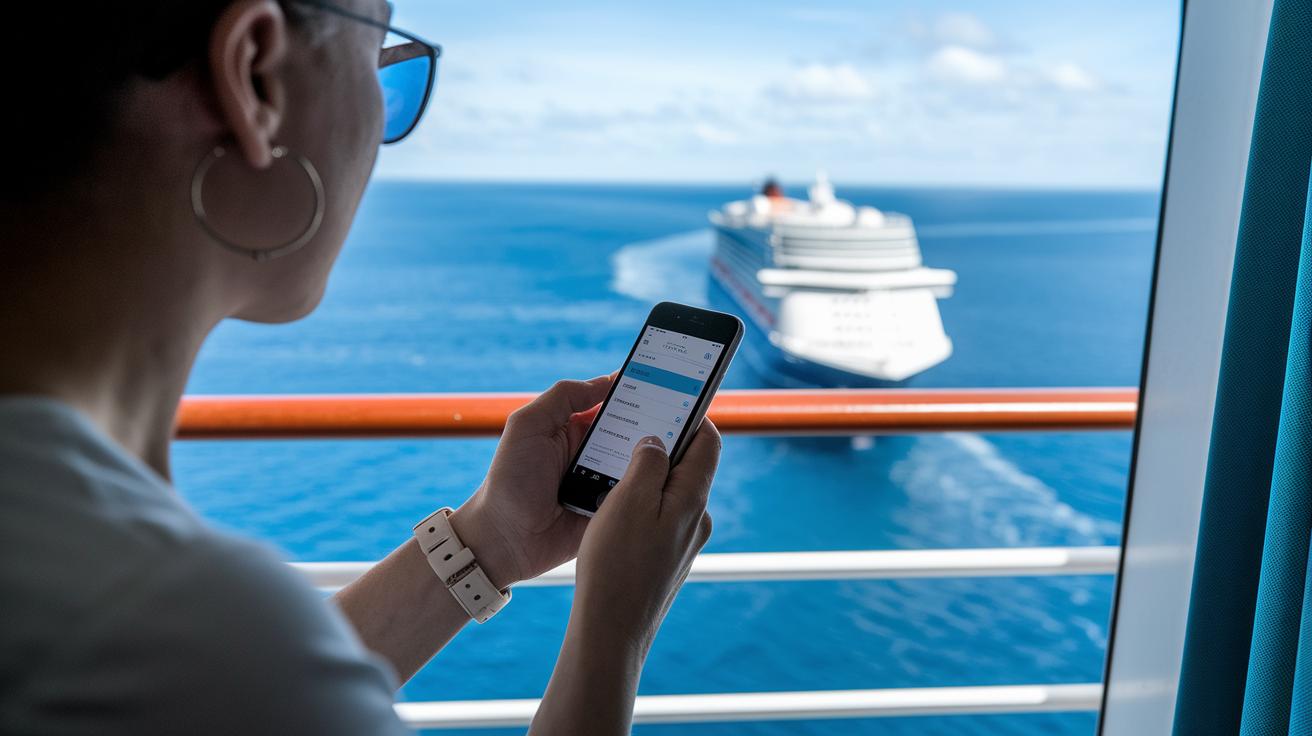
When you have big downloads to make, plan ahead and schedule them for quieter times, like late at night or very early in the morning. I once set a large file to download at 2 AM, and it zipped through much faster than during the busy daytime.
To save some valuable bandwidth, turn off any background app updates and auto-sync features. It’s a smart idea to download movies, TV shows, or any files you might need before your departure, so you won’t have to depend on the ship’s internet later.
Also, check out the cruise line’s official app. It usually gives you free messaging and even lets you track your daily data use right on board. And if you’re looking for a better signal, try holding your device closer to a porthole or anywhere you can catch an external antenna’s boost.
Final Words
In the action, we explored how to get connected on your cruise, from basic free options to full browsing and streaming plans. We broke down pricing, network performance, and easy steps to set up your onboard connection. We also shared troubleshooting tips and weighed the pros and cons, giving you a clear picture of online choices at sea. Plus, alternative connectivity ideas and expert tips rounded out the cruise WiFi guide experience. Enjoy smoother online moments on board and make every moment count!
FAQ
What is Royal Caribbean cruise WiFi guide?
The Royal Caribbean cruise WiFi guide explains onboard data plans and tips for staying connected. It details package options so you can choose the service that best fits your needs during your cruise.
How do I get internet on a cruise ship for free?
Some cruise ships offer free messaging and limited browsing services. These basic options let you keep in touch without the need to purchase a full internet plan.
What is the cheapest way to get internet on a cruise ship?
The cheapest option often involves selecting a limited data package, like social media or messaging-only plans, which cost significantly less than full browsing or streaming packages.
What does the Carnival cruise WiFi guide say about onboard connectivity?
The Carnival cruise WiFi guide highlights affordable options such as the Cruise WiFi Social plan, which focuses on social media access without high costs, making it a practical choice for budget-minded cruisers.
How much is WiFi on a Royal Caribbean cruise?
Royal Caribbean offers WiFi packages starting at about $15 per day for basic browsing, with higher-priced plans available for streaming and full internet access, depending on your needs.
What alternatives exist to traditional cruise ship internet?
Alternatives include portable hotspot devices partnered with providers like GigSky, Airalo, or Holafly, as well as cellular roaming packages that offer data services when you’re near port areas.
How does WiFi work on cruise ships?
Cruise ship WiFi operates through satellite connections that beam data to the vessel. Signal quality is affected by weather, the ship’s location, and how many users are online at the same time.
What is the best internet option on a cruise ship?
The best option is usually a premium package that supports full browsing and streaming. Some lines, like Princess Cruises, are known for offering reliable and faster onboard connectivity.
Is it worth getting a WiFi package on a cruise?
It depends on your needs. A WiFi package is ideal if you plan to work or stay in touch regularly, but consider the costs and compare them to how much you actually use the service.
What is the 3:1:1 rule on cruises?
The 3:1:1 rule refers to carry-on packing guidelines where liquids must be in small, approved containers and kept in one bag. It’s a security measure that isn’t directly related to onboard WiFi.
What are some of the best portable WiFi options for cruise ships?
The best portable options include devices compatible with providers like GigSky, Airalo, and Holafly. These devices offer flexible connectivity, useful both at sea and when you reach port.
How do cruise lines like Princess, MSC, and Norwegian fit into cruise WiFi options?
Lines like Princess, MSC, and Norwegian offer a range of WiFi packages. Princess is known for its fast speeds, MSC provides options for social media use, and Norwegian often includes free onboard minutes.

