Ever felt like you had a personal guide with you on every step of your cruise? The Royal Caribbean app makes it super easy to plan your trip. You can check in, pick your dining options, and even see important safety info with just a few taps. Imagine tapping an icon and quickly watching a safety video or seeing your cruise schedule in seconds. This friendly app is designed to keep things simple and hassle-free. Ready to see how a few smart changes can make your cruise feel even more effortless?
Navigating the Royal Caribbean App Hub: A User Overview

When you first open the app, you're greeted by a daily planner and calendar loaded with cruise details to help you plan your adventure. The screen features clear icons at both the top and bottom that guide you just like a friendly treasure map. For instance, a safety icon gives you access to a must-see safety video and step-by-step horn drill instructions.
Each icon is your simple shortcut to everything you need onboard. It’s like having a personal guide to every part of your cruise, from checking in to planning meals. Ever felt that little excitement when you tap an icon and discover something new about your journey? That’s the magic of this app.
- Safety Icon – Tap here to watch the safety video and review the horn drill steps.
- Check-In Icon – Begin your pre-boarding process by uploading all your required documents.
- Dining Options Icon – Explore menus, reservation times, and meal spot details.
- Deck Maps Icon – Browse interactive ship layouts to easily find your favorite venues.
- Profile Icon – Check your personal cruise info like stateroom details and spending limits.
You can make the app even more yours by rearranging or favoriting the sections you use the most. If dining options or check-in is what you rely on, simply adjust the settings to bring them right to the front. This little customization makes the interface feel personal and intuitive, turning your Royal Caribbean app into the perfect traveling buddy for your cruise.
Pre-Boarding with the Royal Caribbean App: Check-In & Mobile Ticketing
First, log in using your username and password on the app’s main screen. Once you’re logged in, follow the simple prompts in the Check-In section to upload your passport and health forms. The app will take its time verifying your documents and making sure everything is in order. When it’s all good, your digital SetSail Pass appears automatically. (For more details on how the SetSail Pass is stored and works, check out our Royal Caribbean cruise planner page.)
Next, move to the Tickets area where your mobile boarding pass will be visible after your forms have been approved. Finally, take a look at your Profile page to see your saved payment details and current balance for any extras.
Screenshot: The Check-In interface explains how to upload your documents with clear instructions, a progress tracker, and helpful annotations for the passport scan area and health form upload button.
Screenshot: The Tickets interface shows your digital boarding passes with highlighted details like pass expiry and seat number.
Before you wrap up your pre-boarding, remember that keeping your check-in secure is key. Always use a strong passcode on your mobile device and connect over a trusted network. Double-check every step, from submitting your documents to getting your digital SetSail Pass, so you can relax and enjoy the fun that awaits on board.
Planning Your Cruise Day: Digital Itinerary Planner & Real-Time Updates

Imagine starting your day on board with a clear plan that makes cruising a breeze. The Royal Caribbean app's Planner screen is like your personal day planner, letting you see all your scheduled activities, from shows and port stops to fun shore adventures. It's super simple to add or remove events with just one tap, and your schedule stays in sync with the latest updates from Cruise Compass.
| Action | Outcome | Examples |
|---|---|---|
| Booking | Lock in your chosen activities | Reserving a dining show or a port visit |
| Syncing | See your itinerary update right away | Changing your schedule when events shift |
| Exporting | Keep your plans with you on any device | Saving to your digital calendar or printing a list |
Using this digital planner means you'll always be in the know. When you're exploring a new port, quick updates help you adjust if something changes at the last minute. The easy add/remove buttons let you tweak your plans on the fly, and the export feature makes sure your itinerary is always at your fingertips, whether on your phone or printed out. It's all about giving you the freedom to enjoy every moment, knowing your day is perfectly in sync with your cruise adventure.
Booking Dining & Excursions: A Step-by-Step Guide in the App

Booking your dining reservations or signing up for a shore trip is really simple. The Dining page shows you both free and paid restaurants with clear times and cancellation rules, while the Excursions page gives you all the details on each shore tour, pricing, group size, and a handy Book Now button. This guide walks you through making your dining and excursion bookings quickly and with ease.
For dining:
- Open the Dining page and scroll to find the meal time you want.
- Pick a specialty restaurant from the list.
- Look at the available spots and see the cancellation rules.
- Tap the Reserve button next to your choice.
- Check the pop-up window to confirm your reservation details.
- Add any special requests or note any dietary needs.
- Look over your booking summary to be sure everything is right.
- Tap Confirm Reservation to lock in your dining spot.
For excursions:
- Go to the Excursions section from the homepage.
- Scroll through the list of shore tours and tap on one that interests you.
- Read through the excursion details, like the cost and how many people can join.
- Tap the Book Now button next to the tour information.
- Fill out any necessary details or extra requests.
- Confirm your booking details to save your spot on the tour.
Tip: If you ever need to change or cancel a booking, head over to the booking management area in the app. Here, you can see all your reservations, adjust the guest count, choose a different time, or cancel entirely. Just make sure to act within the cancellation window provided. This process makes managing your dining and excursion plans as easy and relaxed as a day at sea under a bright, clear sky.
Onboard Features & Navigation: Digital Key, Deck Maps, and Chat
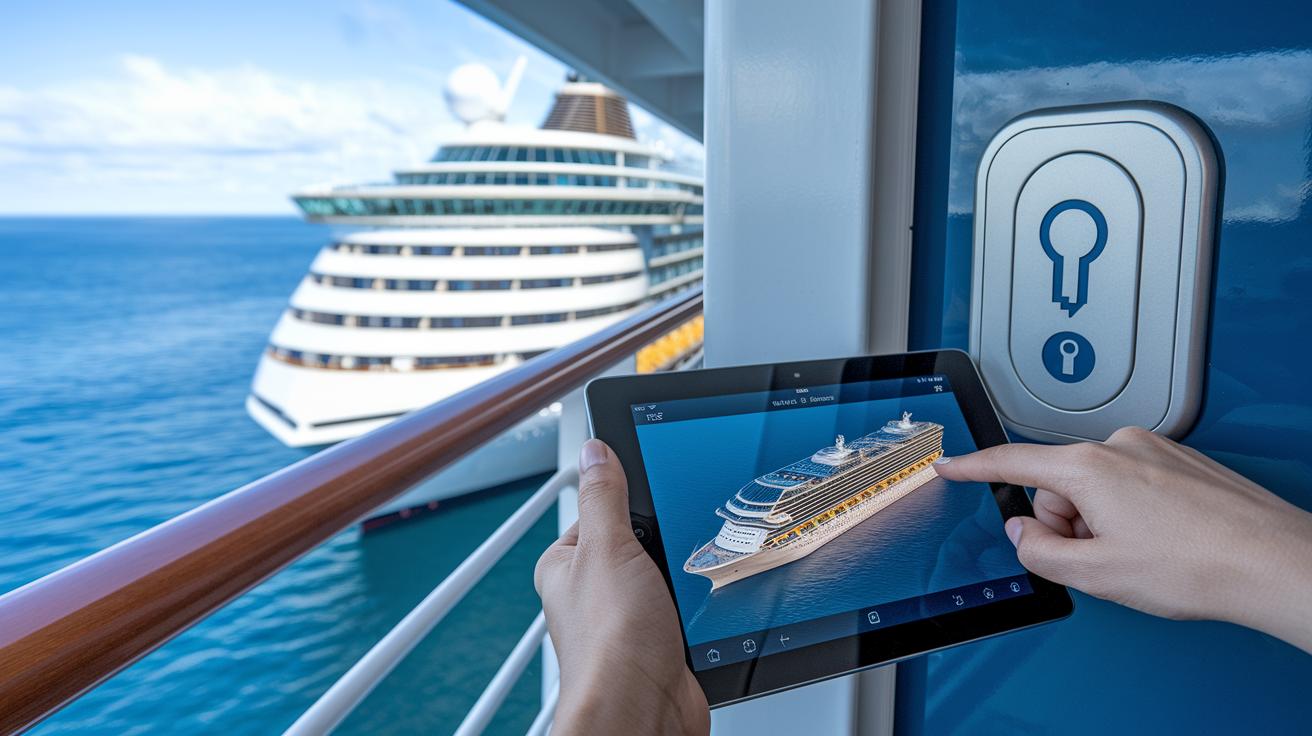
Using the digital key is a simple way to open your stateroom door. Just tap the key icon and you’re in. Setting it up is easy, register, follow the prompts, and you’ll have your digital key ready in no time. It’s like carrying a futuristic tool in your pocket, letting you focus more on enjoying everything aboard.
For a smooth exploration of the ship, the interactive deck map is your best friend. Tap the ship icon and you’ll see a clear layout of cabins, dining spots, entertainment halls, and more. This handy map helps you find areas like the pool or theatre fast, so you never feel lost. It’s almost like having a helpful guide by your side wherever you go.
| Venue Type | Icon | Description |
|---|---|---|
| Casino | Casino Icon | Your go-to spot for some gaming excitement |
| Pool | Pool Icon | Find all the available pool and deck areas |
| Theatre | Theatre Icon | Check showtimes and details about the venue |
| Restaurants | Dining Icon | Explore menus and dining schedules |
| Spa | Spa Icon | Book your treatments and relax sessions |
When it comes to chatting with guest services or staying connected with travel buddies, the onboard chat feature is a real lifesaver. Got a question? Usually, you’ll get a reply in just a few minutes. And don’t worry about limits, you can use the chat as much as you need. Isn’t it great to have support just a few taps away?
Royal Caribbean App Guide: Smooth Sailing Tips
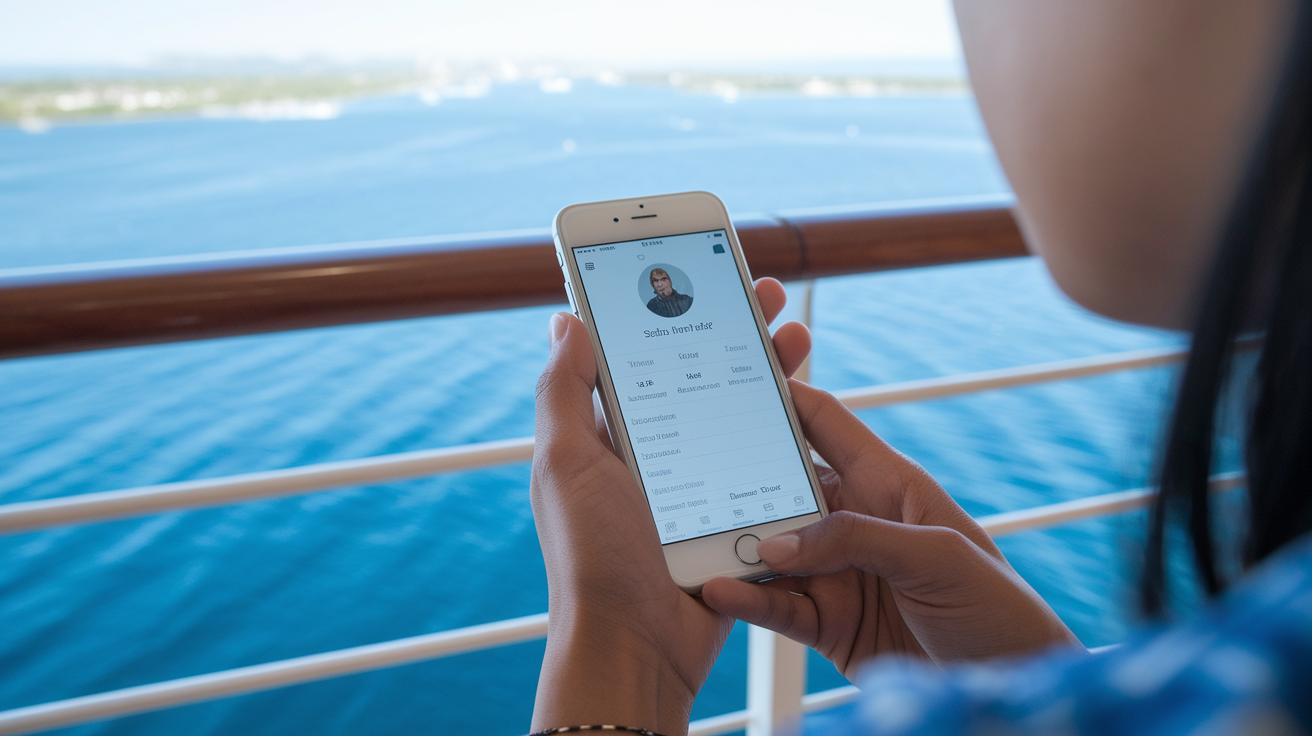
Getting to your Profile and Account screens is a breeze. Just open the app and tap the Profile icon to see details like your stateroom, onboard spending, Internet package, and even your SetSail Pass info. This friendly hub lets you keep track of your cruise adventures and set up your key settings while at sea.
You can easily update your name, email, and contact info. Plus, you can connect your cruise loyalty account to enjoy special offers and rewards. Want to stay in the loop? Flip on push notifications to hear about port arrivals, upcoming events, and dining reminders. You can also check your onboard spending and adjust your privacy settings to control what gets shared. And don’t worry, your data stays fresh by syncing with the latest cruise updates.
Taking a few moments to adjust these settings makes your cruise feel personal and secure. Your profile page not only shows important details like your stateroom and spending, but it also lets you decide what you see and share. It’s all about making your cruising experience smooth and tailored just for you.
Troubleshooting & App Maintenance: Ensuring Smooth Sailing
-
Keep your app fresh by checking your App Store or Play Store for updates. Installing the latest version helps your app run smoother on board.
-
When you experience login glitches, sign out and then log back in. This quick reset often clears up any connection issues.
-
If your itinerary or schedule isn’t updating right, tap the sync button to refresh your data. This makes sure you always have the most recent info.
-
Double-check that your onboard Wi-Fi is active and connected. A steady connection means you can enjoy all the real-time features while cruising.
-
And if you're still stuck, use the in-app Guest Services chat for a quick fix. They’re ready to help get things back on track.
Following these simple steps is like having a hassle-free cruise. Keeping your app updated and ensuring a solid Wi-Fi connection means you’ll always have the latest details at your fingertips. When small issues pop up, the in-app chat is like talking with a friendly crew member who sorts things out fast. Enjoy your journey with a smoothly running app and more time watching the sea sparkle under the sun.
Final Words
In the action, this post covered how the app helps you plan a cruise from start to finish. We explored the main hub icons, pre-boarding tasks, planning your day, dining bookings, onboard features like Digital Key and chat, and even troubleshooting tips for smooth use. Every section gave clear steps for what to expect onboard, making cruise planning feel simple and fun. The royal caribbean app guide makes getting ready for your next cruise effortless and full of promise, ready for that next memorable escape?
FAQ
Where can I find the Royal Caribbean app guide for various devices?
The Royal Caribbean app guide is available for free online as a PDF. It offers updated instructions for iPhone, Android, and download options so you can easily use the app on any device.
What features can I use with the Royal Caribbean app?
The Royal Caribbean app lets you check in, view itineraries, book dining and shore tours, use digital keys, and get real-time updates so you can have a smooth cruise experience.
How does the 3:1:1 rule work on Royal Caribbean?
The 3:1:1 rule on Royal Caribbean sets limits on onboard beverage spending. This rule helps maintain balanced onboard costs and ensures that drink packages are fairly enjoyed throughout the cruise.
What does the secret code on a cruise ship refer to?
The secret code on a cruise ship usually refers to a security or communication protocol used among staff and sometimes passengers for safe, organized access to certain services.
What is meant by the drink package loophole on Royal Caribbean?
The drink package loophole on Royal Caribbean describes strategies guests use to maximize value by timing purchases or combining offers, which can sometimes provide extra benefits on onboard drink packages.
What is Royal Caribbean Group?
The Royal Caribbean Group is the parent company behind Royal Caribbean International. It manages a range of cruise operations, making it a key player in delivering varied onboard experiences across its fleet.
What cruise lines are considered major players alongside Royal Caribbean?
Major cruise lines in the market include Royal Caribbean International, Carnival Cruise Line, Celebrity Cruises, MSC Cruises, and Norwegian Cruise Line, all known for their unique onboard offerings and service styles.

